Company
One name for everything we make
UXBD is the name we sell our software under. One address, one set of policies, and products that ask before they destroy.
UXBD is the name on everything we make. It is not a studio for hire, and it is not a bundle of tools that happen to share a logo. It is the umbrella: desktop apps, web apps, plugins, services and the small tools around them, made by us and sold by us under one name. The first family of products under it is ReDock. There will be others.
This post is the company page in longer form, because a name deserves more than a footer line.
Why one name
A product name tells you what a thing does. A company name tells you who answers when it does not. We wanted the second one to hold steady across everything, so that trusting one product means something about the next.
For a buyer that has practical consequences. The terms are the same for every product. The refund rule is the same. The address for a question is the same. When we release a second family, you will not have to learn a new set of rules or find a new inbox. The name is the contract, and the products are the things it covers.
We also wanted a name that does not describe a category. ReDock is software for people who build and look after websites, but UXBD is not “the website company”. The next family may have nothing to do with websites. The name has to be able to hold that.
One address
Every question goes to hello@uxbd.net, Monday to Friday, and a person answers within two working days. That covers a question about what a product does, a question about a plan, a refund and a security report. What comes back is a reply from a person who works on the product, not a ticket number, and nothing after it: no list, no follow-up sequence. The contact page says what to put in the subject line so the right thing happens first.
We read that inbox ourselves. The people who build the products answer the mail about them.
One set of policies
The terms, the privacy policy and the refund policy live on this site and apply to every product we sell. Three things in them matter most in practice.
You have fourteen days to change your mind on any paid plan. Cancel at any time and keep the period you paid for. Ask for an export or a deletion of your data and it is done within two working days, with a confirmation that it happened.
How a product behaves
We keep a short list of behaviours that every product has to have. They are things you can check in the product rather than things we say about ourselves.
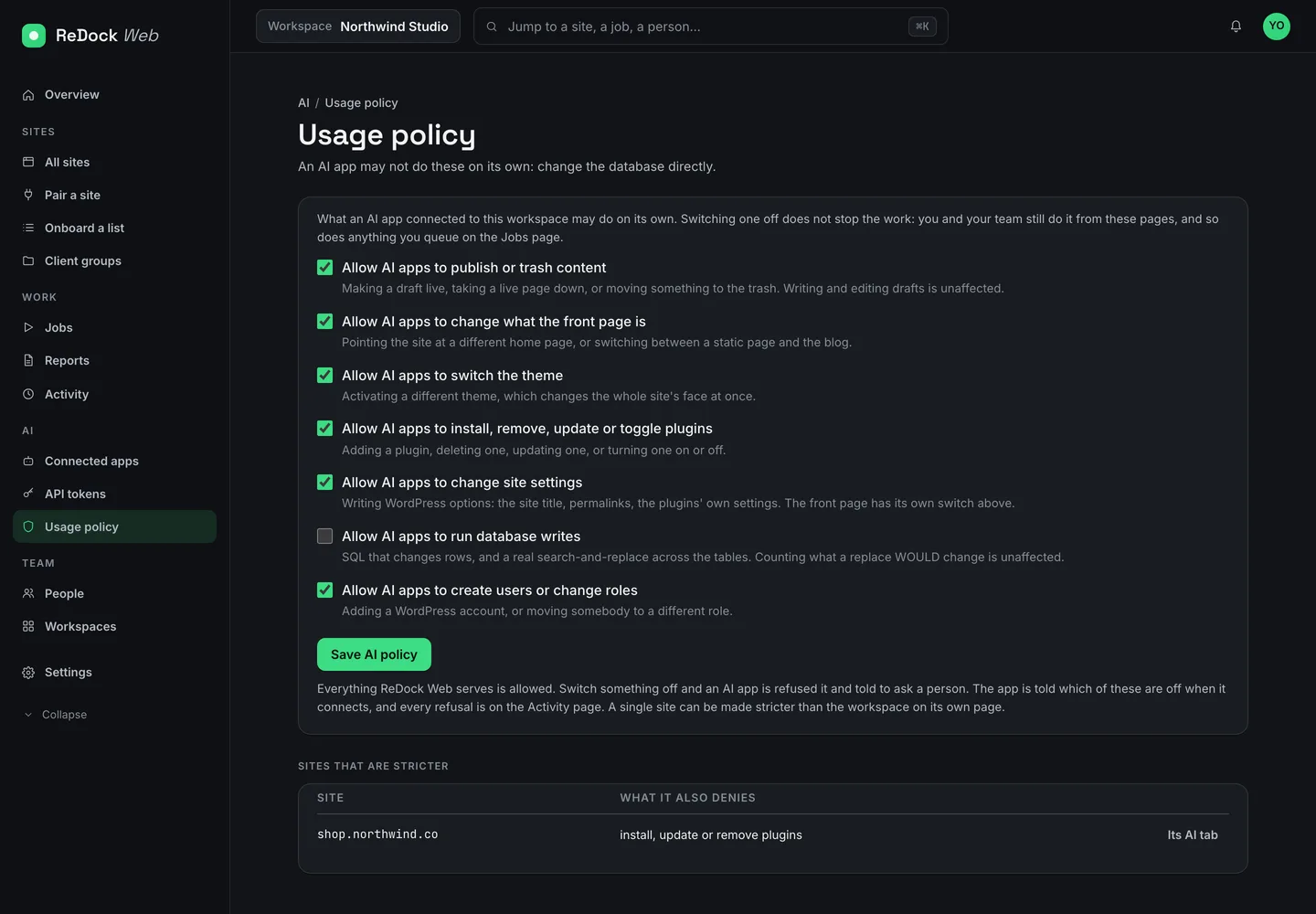
- Destructive controls ask first, and the question says what will happen, in order. Deleting a site, revoking a key, cancelling a job: a dialog each time. On ReDock Web this holds even in a browser with scripts off.
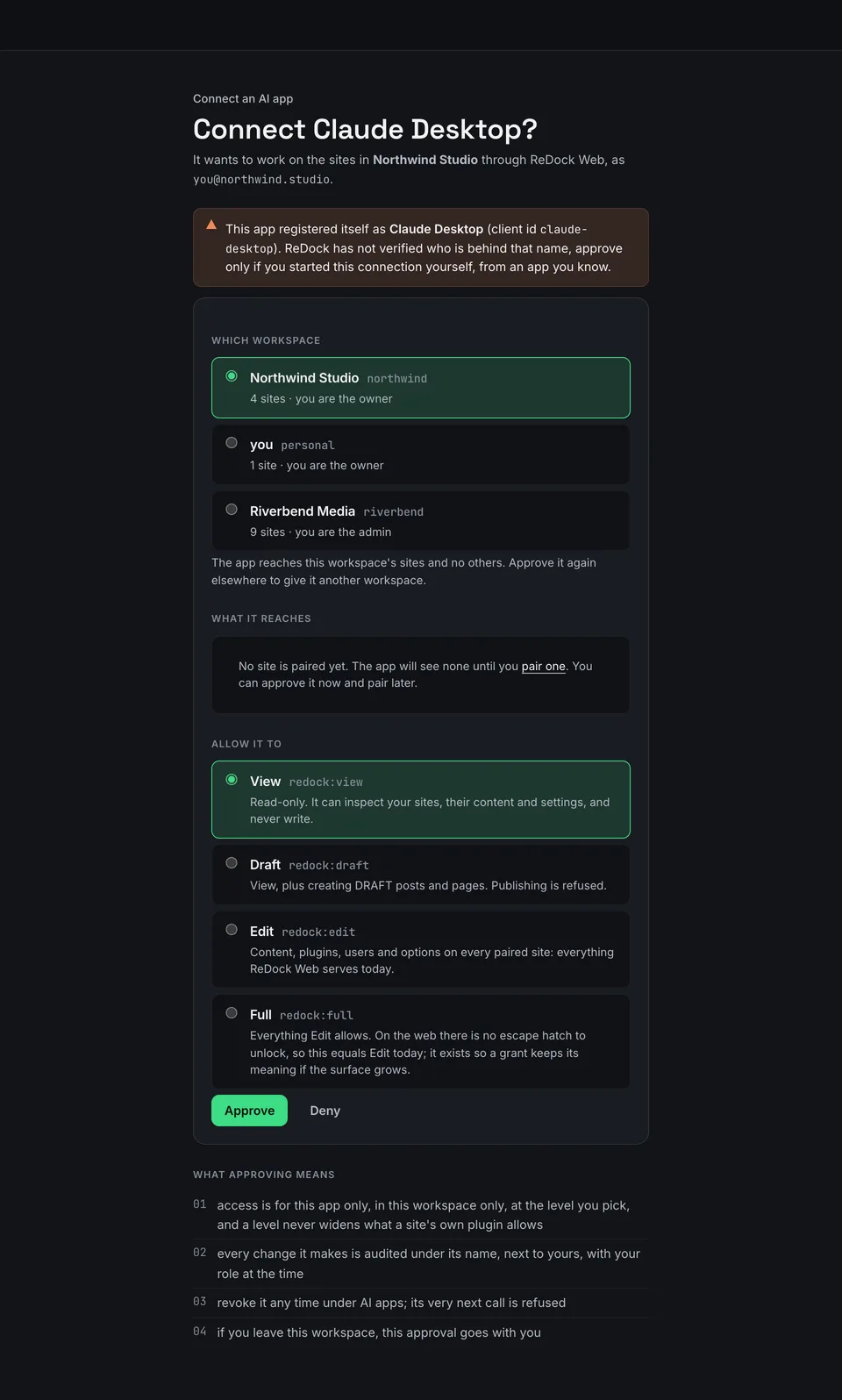
- A change comes with a way back. The built-in agent lists the steps it will take before it takes them, and every change it makes has an Undo. A plugin update on the web takes a snapshot first, and a site that cannot make the snapshot is skipped rather than updated.
- A state is made of reasons. A site is not a score out of a hundred. It is a short list of sentences: the site did not answer the last four checks, PHP reached end of life on a date, WordPress is behind. You can act on a sentence.
- Keys stay where your system keeps keys. Model keys live in the macOS Keychain or Windows Credential Manager. A site’s connect key travels from the site to ReDock, never through your clipboard.
- Release notes are one plain line per change, published with every version and shown in the app.
When the second family arrives, it will be held to the same list.
ReDock is the first family
ReDock is the family of products for people who build and look after websites, and today it is the whole catalogue.
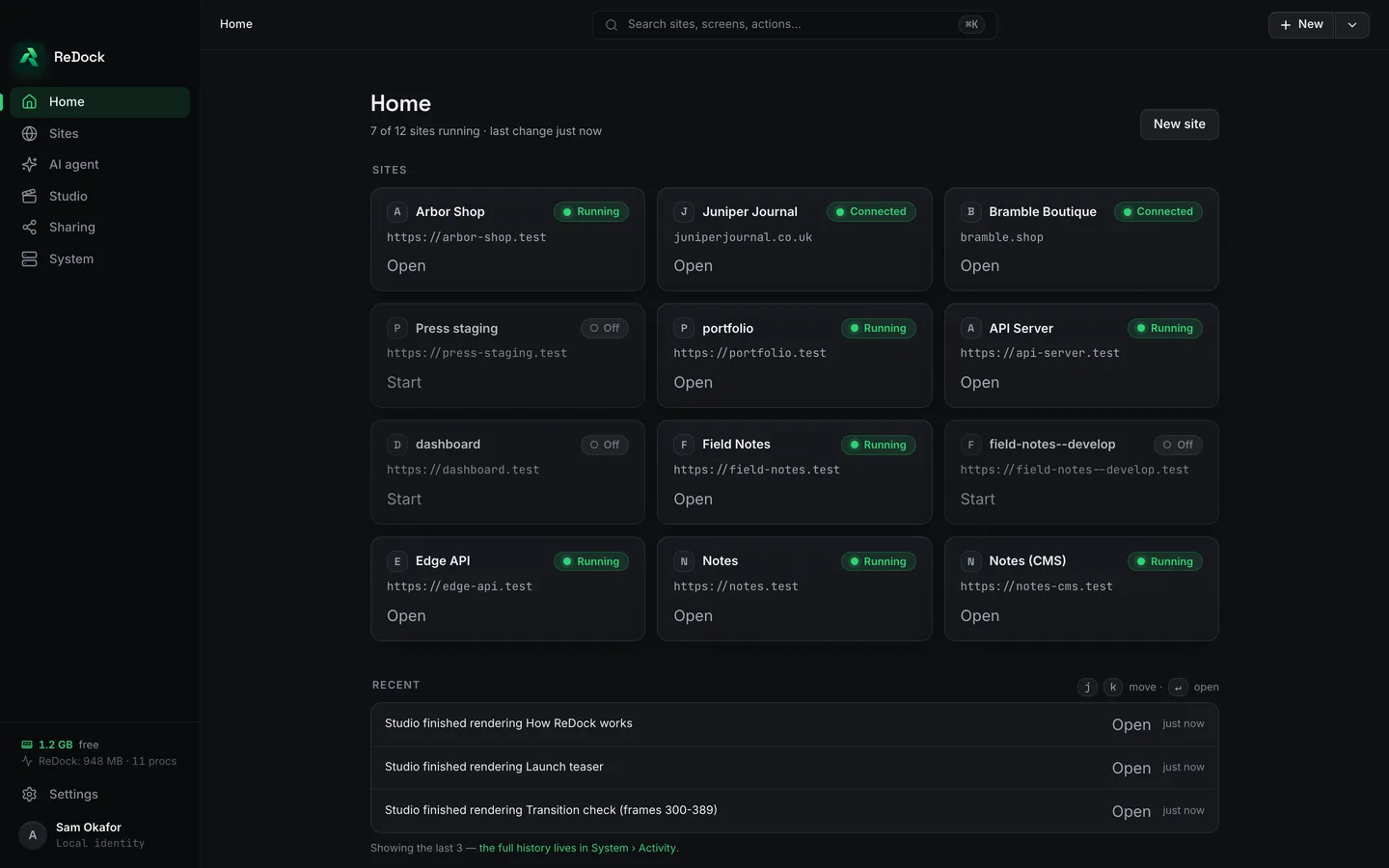
ReDock Desktop runs a whole local web stack in one window on macOS and Windows: WordPress, n8n, Astro, Node, Bun, PHP, MySQL, PostgreSQL and Redis, each site at its own trusted https://name.test address. It is free and needs no account.
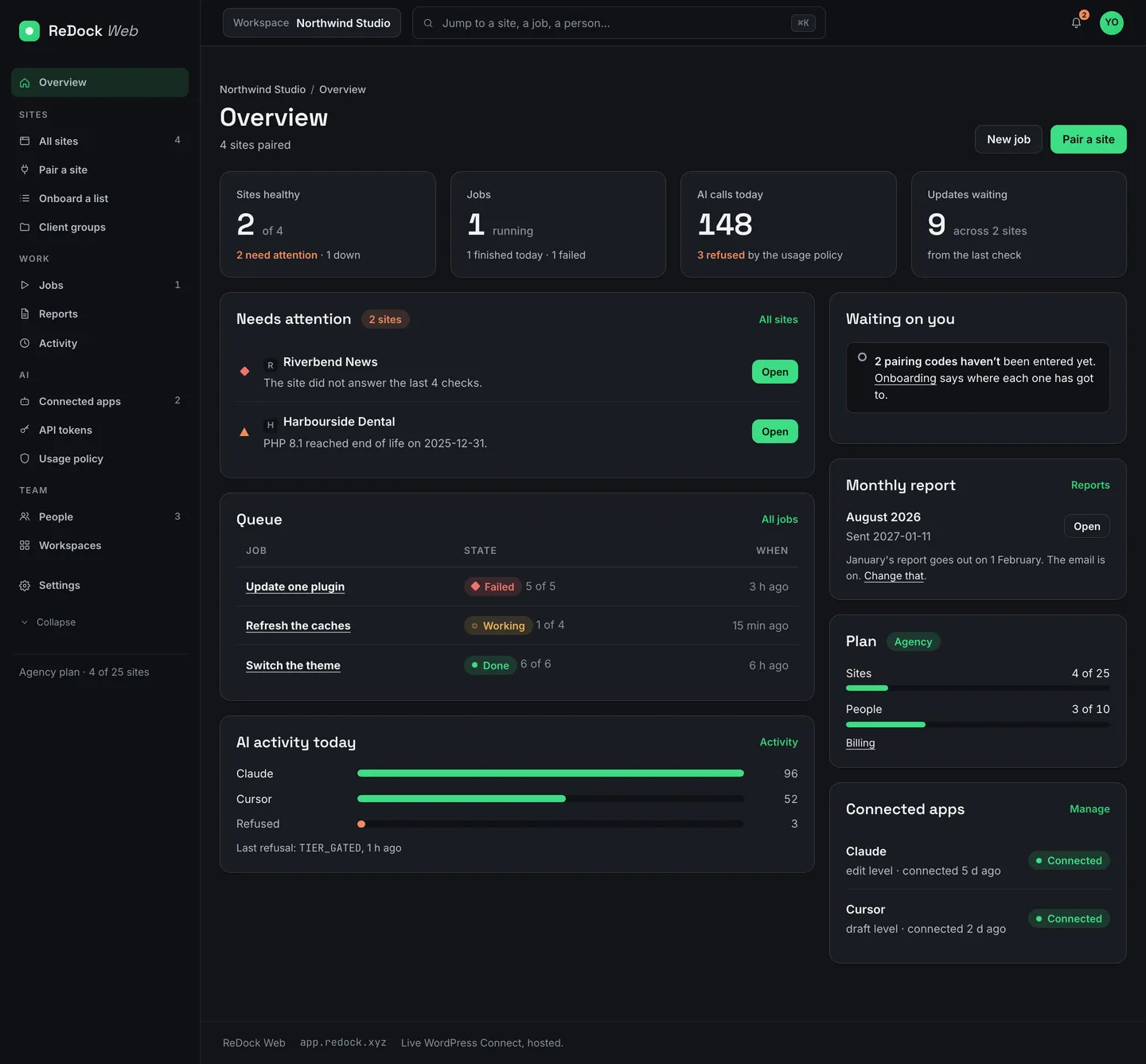
ReDock Web is the dashboard at app.redock.xyz for the live sites a team looks after: jobs across many sites, a snapshot before every plugin update, monitoring made of reasons, a monthly report per client, four roles and single sign-on. One live site is free. Paid plans are monthly, priced by how many sites you connect and how many people you bring, and bought by card inside the app.
Around the two apps sit the plugins that pair a site (ReDock Connect, ReDock Blocks and ReDock for Elementor) and the services both apps share: one door through which any AI app works on your sites, named places on client pages, and public links for local sites. Every one of them has a page in the catalogue that says what it is in one sentence, where it runs and where to go next. Prices and downloads are on tryredock.com, ReDock’s own site.
More will come
We do not announce dates for things that do not exist yet. When a second family is real, it will appear in the catalogue with a page, a price and the same address for questions, and a post here will say what it is. Until then, the honest description of UXBD is the one at the top: one name, one address, one set of policies, and a first family of products called ReDock.
If you would rather see how the products behave than read about it, download ReDock Desktop or create a workspace on ReDock Web with one site free. Then try to delete something. It will ask first.