Desktop

Quick share and custom domains

A public link to the site on your own computer, in seconds.

A site running in ReDock Desktop gets a public address at name.redock.xyz while it keeps running on your machine. Instant links need no account. A named link keeps its name. Point a domain you own at any site. Stop sharing and the address goes dark.

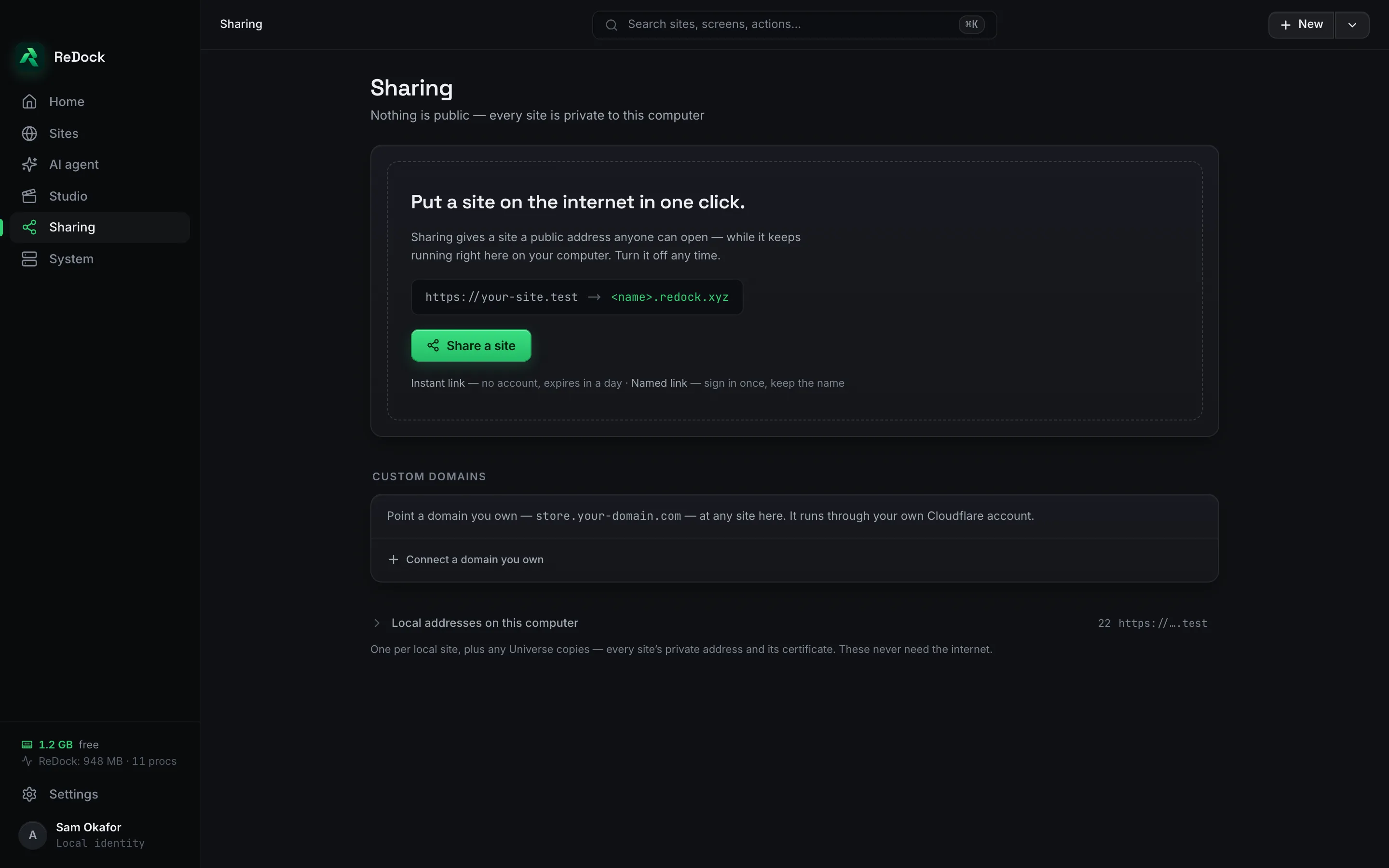
The Sharing screen in ReDock Desktop, a site's https://name.test address becoming name.redock.xyz, a Share a site button, and a place to connect a domain you own

Instant, or named.

An instant link needs no account and expires in a day. Sign in once and a named link keeps its name, so the address you gave a client last week is the address this week. The site keeps running on your computer the whole time. There is nothing to deploy and nothing to take down.

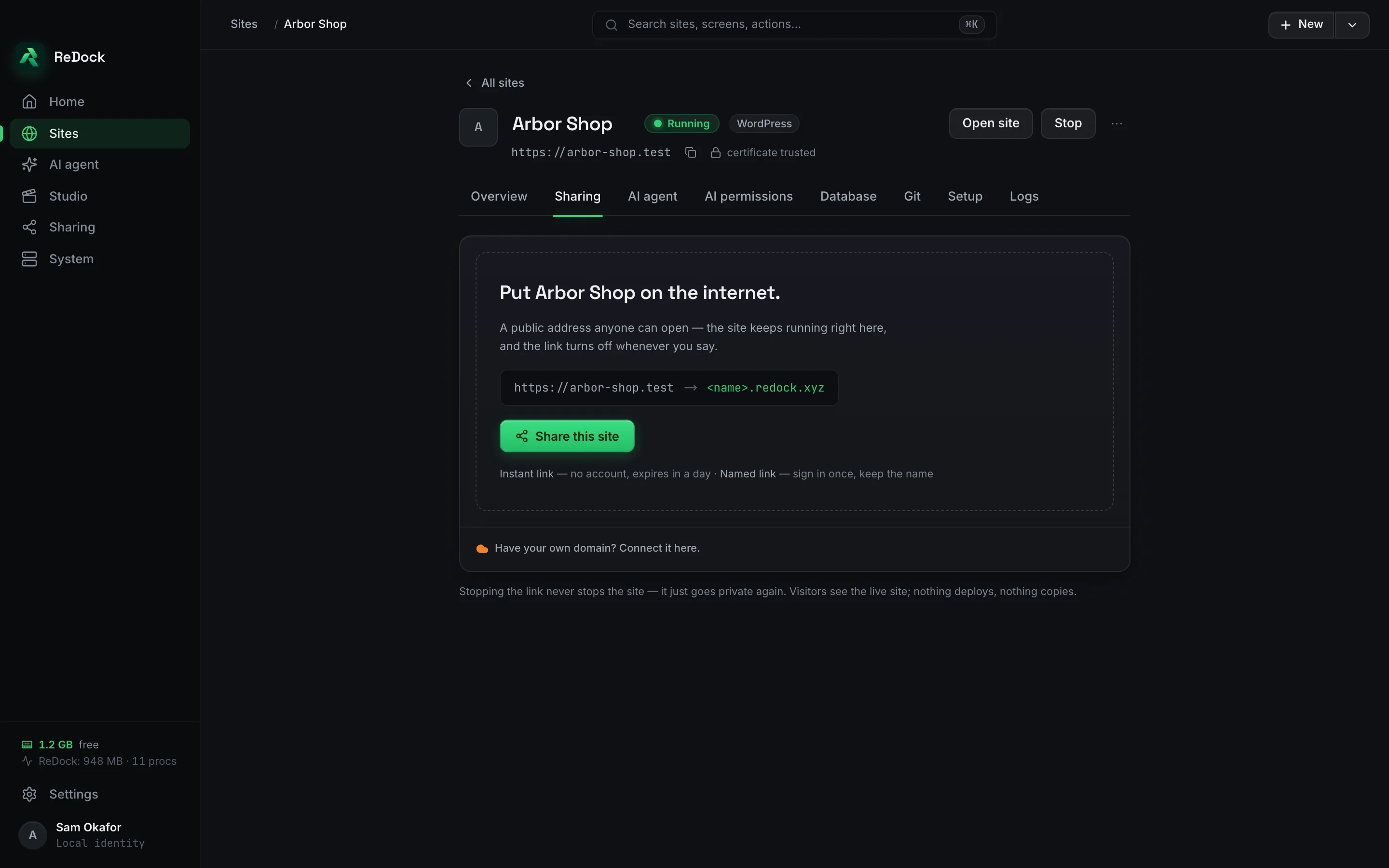
A site's Sharing tab, with the choice between an instant link and a named link and a single switch to stop

Your own domain, through your own Cloudflare account.

Point a domain you own at any site here. It runs through your own Cloudflare account, so the domain and its records stay yours.

Off means off.

Stop sharing and the public address stops answering. The local address on your computer is unaffected, and the name stays reserved for you if it was a named link.

Facts

Quick share and custom domains, in a table.

Where
ReDock Desktop, macOS and Windows
Instant link
No account, expires in a day
Named link
Sign in once, keep the name. Three of them without a paid plan.
Your domain
Through your own Cloudflare account
Local addresses
One per site, and one per branch copy of a site, none of them needing the internet

Also in the catalogue

Works with

Connect with your agent Desktop · Web

One door through which any AI app works on your sites.

Claude, Claude Code, Cursor or any MCP client drives local sites and live sites through one door. OAuth consent, per-app revocation, a per-site address that reaches one site and no other. The built-in agent runs on your own key, or on a model on your own machine.

Pinpoints Web

A named place on a site the agent finds again by name.

Point at a block on your own page, give the place a name and your notes, and the agent finds it again by that name on every site it lives on. The mark rides the block's own anchor, so it survives rewording and restyling.

ReDock Desktop macOS · Windows

A desktop app that runs your whole local web stack in one window.

WordPress, n8n, Astro, Node, Bun, PHP, MySQL, PostgreSQL and Redis, each site at its own trusted https://name.test address. No terminal, no Docker, no hosts file. Free, on macOS and Windows.