Web

Pinpoints

A named place on a site the agent finds again by name.

Point at a block on your own page, give the place a name and your notes, and the agent finds it again by that name on every site it lives on. The mark rides the block's own anchor, so it survives rewording and restyling.

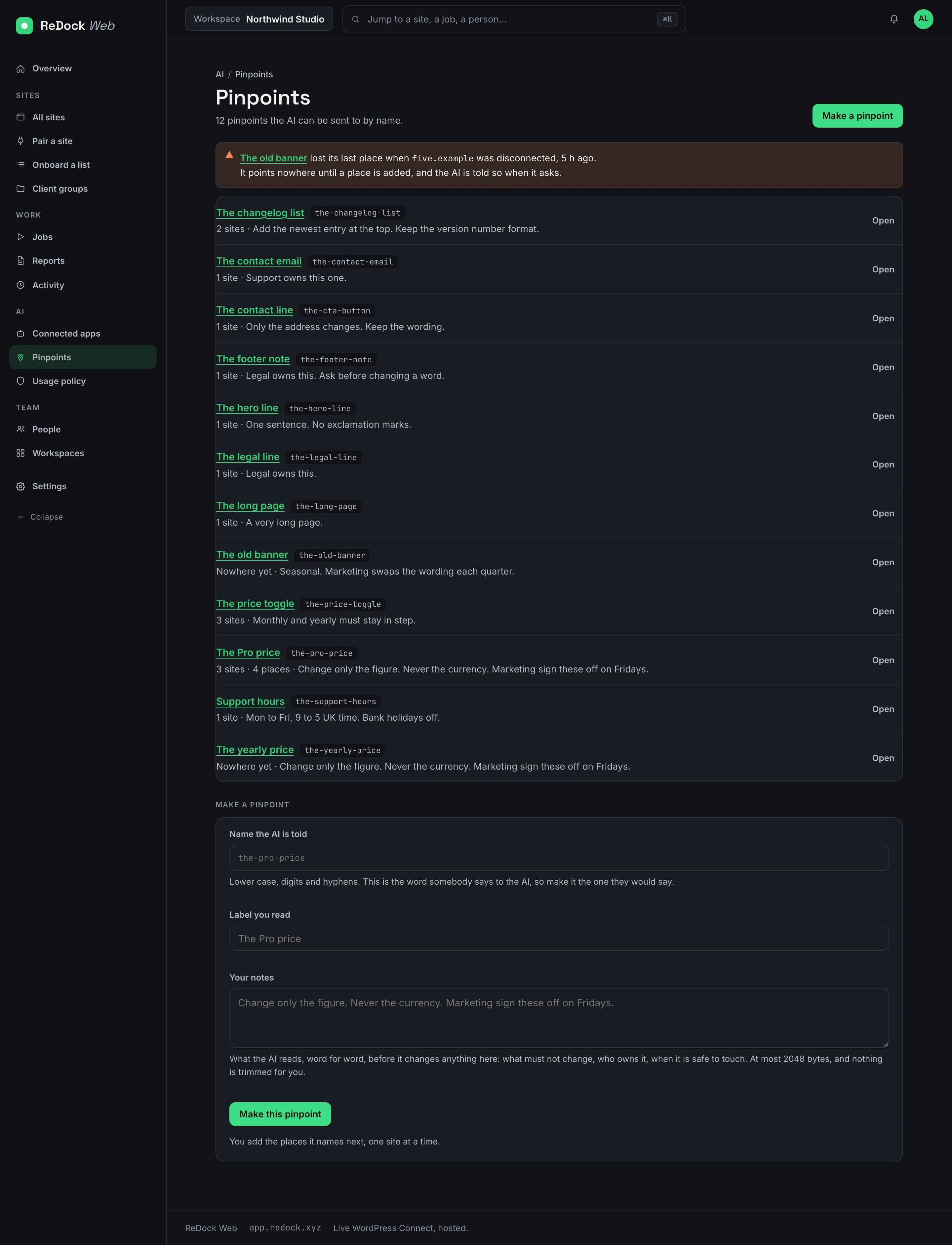
The Pinpoints list, twelve named places such as the Pro price and the contact email, each with the number of sites it lives on and the notes the AI reads

Press Point at it, then click the block.

Choose the site and the page, and the page opens in your browser with a small bar. Click the block, or the Elementor element, and nothing is edited by the click. The link is single use and lasts ten minutes. What you pointed at comes back as the paragraph it is, and you name it.

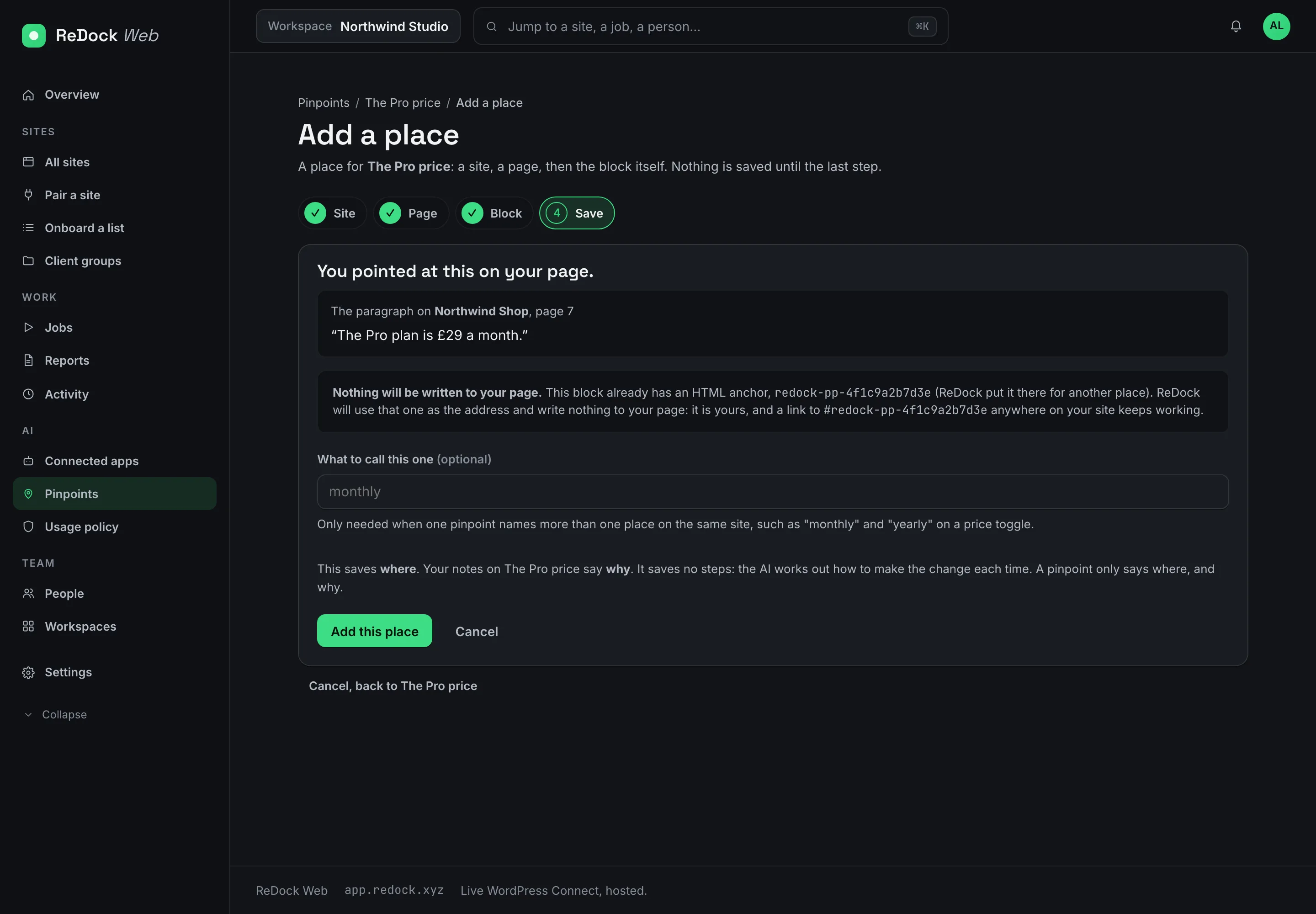
The last step of adding a place, showing the paragraph that was pointed at, the anchor that already marks it, and a note that nothing will be written to the page

Where, and why. Never how.

A pinpoint saves where the place is and your notes on why it matters, such as change only the figure, never the currency. It saves no steps. The agent works out how to make the change each time, and reads your notes word for word before it does.

  • One name across many sites, so the Pro price is the Pro price on every site it lives on.
  • A place whose site is disconnected says so, and the agent is told it points nowhere.
  • A block that has no mark is refused rather than guessed.

A mark that survives editing.

The mark is Gutenberg's own HTML anchor on the block, the one the editor shows under Advanced. Reword the paragraph, restyle the page, move the block, and the anchor stays. A link to that anchor anywhere on the site keeps working.

Facts

Pinpoints, in a table.

Where
ReDock Web, on sites paired with ReDock Connect
Pointing
Gutenberg blocks and Elementor elements, on your own live page
Notes
Up to 2048 bytes, read by the agent word for word
The mark
The block's HTML anchor. Nothing else is written to the page.

Also in the catalogue

Works with

Connect with your agent Desktop · Web

One door through which any AI app works on your sites.

Claude, Claude Code, Cursor or any MCP client drives local sites and live sites through one door. OAuth consent, per-app revocation, a per-site address that reaches one site and no other. The built-in agent runs on your own key, or on a model on your own machine.

A public link to the site on your own computer, in seconds.

A site running in ReDock Desktop gets a public address at name.redock.xyz while it keeps running on your machine. Instant links need no account. A named link keeps its name. Point a domain you own at any site. Stop sharing and the address goes dark.

ReDock Desktop macOS · Windows

A desktop app that runs your whole local web stack in one window.

WordPress, n8n, Astro, Node, Bun, PHP, MySQL, PostgreSQL and Redis, each site at its own trusted https://name.test address. No terminal, no Docker, no hosts file. Free, on macOS and Windows.